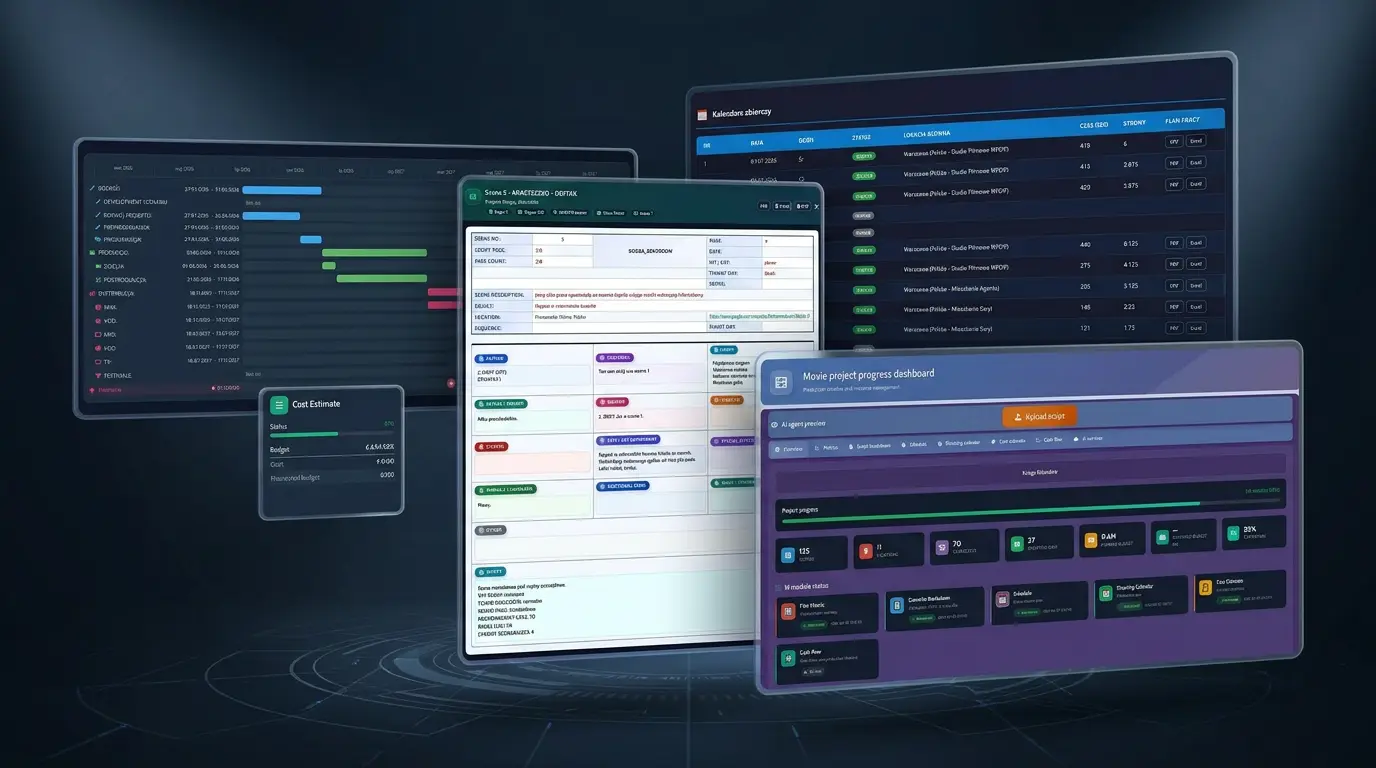
FilmProduct (FPMS) – a film production management system
What FilmProduct (FPMS) is: AI script breakdown, documents, shooting schedule and budget in one project. How it supports each stage of film production.
Anyone who has prepared a film knows the moment: the script is on its seventh draft, the breakdown sits in a spreadsheet from two weeks ago, the shooting schedule is in another file, and the budget is with the production manager – in yet another one. FilmProduct (FPMS) was built so that all of these live in one project and draw on the same data. In this article we explain what the system is, what problem it solves, how it supports each stage of production – and where its scope ends. We describe it based on the product documentation published at filmproduct.com.
What FilmProduct (FPMS) is
FilmProduct is software for film and television producers. On hollylodz.com we describe it as FPMS – Film Product Management System; in this text we use both names interchangeably. The product’s tagline sums up its scope well: “From script to production plan. In one intelligent process.”
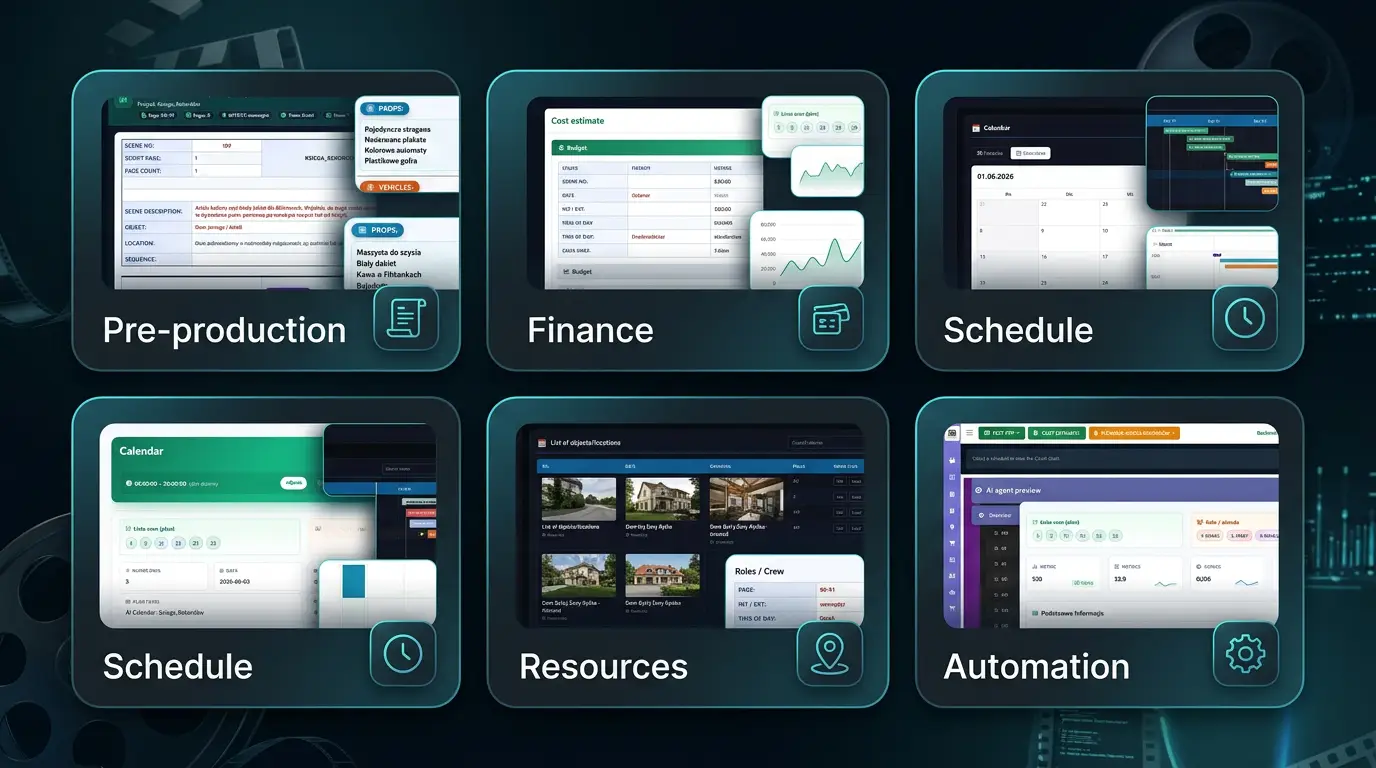
In practice, this means seven areas of work in one project:
- AI script analysis – once the script is uploaded, the system identifies scenes and production elements,
- scene and set cards – editable scene data: cast, locations, sets, props and production requirements,
- production documents – work plans, requirements lists and production paperwork generated from a single structured breakdown,
- shooting schedule – a schedule built on data taken straight from the script,
- production budget – a detailed budget in the same project,
- cast, crew and resources – people, locations and production resources in one place,
- export and sharing – data and documents in formats the crew can use outside the system.
FilmProduct is a product of Hollyłódź sp. z o.o. – the company that also runs the Holly Łódź agency – so we are writing about our own tool. Holly Łódź specialises in implementing this system and uses it in its production services – from development to production management.
The problem: scattered pre-production
Pre-production rarely fails for lack of skill. More often it fails because information is scattered. The FilmProduct documentation describes the problem in three points that any production manager will recognise straight away:
- The script, the script breakdown, the shooting schedule, the budget and the production data live in separate files and tools.
- The same information is entered over and over – into the breakdown, the schedule, the departments’ requirements lists and the budget.
- Every change to the script or the schedule leaves outdated files and extra manual work behind.
The result is simple: preparations take longer, and the risk of error grows with every copy of the data. A prop added in a new version of a scene makes it into the breakdown, but not onto the props master’s list. A scene moved from day to night changes the schedule, but the budget still counts the daytime location rate.
The system’s answer also fits into a few sentences: you upload the script once, AI prepares a structured breakdown, every result can be checked and corrected, and the same data feeds the documents, the shooting schedule and the budget. Cast, crew, locations and resources sit in the same project.
How it works – three steps
The documentation describes working in the system as three steps:
| Step | What happens | Who is usually responsible |
|---|---|---|
| 1. Upload the script | A new production project is created from the script | producer, production manager |
| 2. Review the AI breakdown | The system creates editable scene cards, set cards and production requirements lists; the team checks and corrects them | 1st AD, production manager, heads of department |
| 3. Build the production plan | Production documents, the shooting schedule and the budget are generated from the structured data | production manager, 1st AD, executive producer |
The key word is “editable”. According to the documentation, every scene card, set card, production requirement, shooting schedule item and budget line can be edited, and the production documents are generated precisely from the team’s corrections. AI does the first and most labour-intensive pass through the text – but people decide what goes into the plan. We describe this in detail in our article on AI script analysis.
How the system supports each stage of production
FilmProduct is not an everything-system – and it is a good thing that its documentation does not promise that. Its core is the path from the script to the production plan. At later stages, what matters most is that the data prepared in pre-production is structured, up to date and exportable.
| Production stage | How the system helps | Who on the crew uses it |
|---|---|---|
| Development | Initial script breakdown: number of scenes, roles, locations, production elements – material for the first conversations about the scale of the project and the budget | producer, creative producer, production manager |
| Pre-production | Scene and set cards, work plans, requirements lists, shooting schedule, budget, cast, crew, locations and resources in one project | production manager, 1st AD, production office, heads of department |
| Principal photography | An up-to-date shooting schedule and production documents ready to be corrected after changes; document export for the crew | 1st AD, unit manager, production office |
| Post-production | No dedicated module – the exported breakdown and budget are useful as a point of reference | producer, post-production coordinator |
| Cost reporting and grants | No dedicated module – the detailed budget and pre-production documents make it easier to compare plan with actuals | producer, production accounting |
| Distribution | Outside the system’s scope | producer, distributor |
Development
At the development stage, the producer asks questions about scale: how many shooting days, how many locations, how many speaking roles, are there night scenes, vehicles, effects. An initial AI-assisted script breakdown gives a quick, structured picture of the text – one that of course has to be verified, but which lets you discuss the project in concrete terms rather than on impressions from a read-through. It is also good starting material for the first budget – we write about what a film budget is made of in how much does it cost to make a film.
Pre-production
This is where the system does its heaviest lifting. A single breakdown produces the work plans and requirements lists for the departments, the shooting schedule and the budget. When the script or the schedule changes, the team corrects the data in one place instead of hunting down every file in which a given scene appears. How to build a shooting schedule and a budget from the same data is covered in a separate article: shooting schedule and budget from one script.
The shoot
During principal photography the schedule changes every day: weather, an actor’s availability, a location that has moved. The system does not replace the 1st AD or the production office, but it keeps the shooting schedule and documents in one project, so a correction does not start with retyping data. Documents can be exported and sent to the crew in the formats they use outside the system. We cover the practical side of organising a shoot in our guide how to organise a film shoot.
Post-production, cost reporting and distribution
The FilmProduct documentation does not describe modules for post-production, grant reporting or distribution – and we will not pretend they exist. At these stages the system helps indirectly: the detailed budget prepared in pre-production is a point of reference for comparing plan with actuals, and the structured breakdown and documents can be exported to the tools used by production accounting or the post-production team.
Example: one change to the script
To show the difference in practice, let us take a simple situation invented for this article. Three weeks before the shoot, the director rewrites a conversation scene set in a kitchen: the action moves to a car driving at night, and one bit part is added.
In the “many files” model, the production manager and the 1st AD have to:
- update the breakdown – new location, vehicle, night time, an additional role,
- rebuild the shooting schedule – the scene no longer fits the flat day and goes into the night block,
- update the requirements lists – the kitchen props disappear, and a picture car and equipment for shooting on the move appear,
- revise the budget – vehicle hire, night premiums, the bit-part actor’s fee,
- send out new versions of the documents and make sure nobody is working from the old ones.
Each of these steps is a separate file and a separate chance to make a mistake. In FilmProduct, the change goes into the scene card in the project, and the shooting schedule, requirements lists and budget draw on the same data. Decisions – which day to move the scene to, which car to hire, whom to cast in the bit part – are still made by people. What disappears is retyping the same information and searching for wherever else the changed scene appears.
How projects are counted in the system
When discussing an implementation, it helps to know the product’s terminology. The unit of work is an active production – according to the documentation, a single production project together with its script, breakdown, shooting schedule, budget and documents. A project is active as long as the crew is working on it; projects moved to the archive do not take up a production slot. The second term is a full AI script analysis – one AI pass through the entire script, which produces the scene cards, set cards and requirements lists for a given version of the text. Plans differ in the number of active productions, users and full analyses; additional ones can be purchased.
Script security
Before release, the script is one of a production company’s most confidential documents. The maker of FilmProduct states that:
- production data is stored on servers in Poland, in the European Economic Area,
- AI processing runs through the Gemini API in zero-retention mode, meaning submitted content is not stored,
- scripts are not used to train AI models,
- security is designed in line with ISO/IEC 27001 good practice, taking the GDPR and the AI Act into account.
These are the provider’s declarations – a prudent producer should verify them in the contract and legal documents anyway. How to do that with any AI tool is described in our article on script security and AI in film production, along with a list of questions to ask before uploading a script.
Who FilmProduct is for
The system is designed for people who translate a script into a schedule and a budget day in, day out:
- producers and line producers – they need a quick picture of the project’s scale and a budget that keeps up with changes,
- production managers – they run the documents, requirements lists and budget, and every script change means work for them,
- 1st ADs (first assistant directors) – they build the shooting schedule and make sure the breakdown is complete,
- production houses running several productions at once – they want their projects in one system, with a shared way of working,
- studios and broadcasters – in the Enterprise plan, the documentation provides for API access and custom integrations.
According to the documentation, the system supports both film and television productions. Pricing plans differ in the number of active productions, users and full script analyses; current pricing is on the FilmProduct website.
How Holly Łódź implements the system
A tool only starts to help once the crew actually uses it. That is why, during implementation, we focus on what the product documentation describes:
- demo and a conversation about your production – we show how the system works and answer questions about your production,
- fitting it to the production – we agree which elements (breakdown, schedule, budget, documents) to switch on straight away and who is responsible for them,
- onboarding the crew – the production manager, the 1st AD and the production office learn to work on shared data,
- support during the work – we answer questions at each subsequent stage of pre-production.
Checklist before the implementation starts:
- the script in its current, agreed version,
- agreement on who reviews the AI breakdown (usually the 1st AD and the production manager),
- a decision on whether the budget is built from scratch or carried over from an existing spreadsheet,
- a list of people who need access, and their roles,
- a review of the provider’s legal documents on data and confidentiality.
If you are running a production with our involvement – as part of the production office or production management services – the system can be a shared workspace for both sides.
How to get started
The quickest route is a 20-minute 1:1 meeting with a system demo, online or in person – you can propose a date at filmproduct.com. If you would like to talk about implementing it on a specific production, or about how the system fits into the scope of our services, write to Holly Łódź.
More on the individual areas of the system:
FAQ
Frequently asked questions
01What is FPMS?
FPMS (Film Product Management System) is the name under which hollylodz.com describes the FilmProduct system (filmproduct.com). It is software for film and television producers that takes you from the script to the production plan: AI-assisted script breakdown, scene and set cards, production documents, the shooting schedule, the budget, and cast, crew, locations and resources in one project.
02Does AI replace the production manager?
No. AI prepares an initial script breakdown, but every result – a scene card, a set card, a production requirement, a schedule item or a budget line – can be checked and corrected. Decisions about the schedule, the budget and the people are made by the producer, the production manager and the 1st AD, and the documents are generated from their corrections.
03Does FilmProduct cover post-production and distribution?
According to its documentation, the system covers the path from the script to the production plan – in other words, mainly pre-production. It does not describe separate modules for post-production, distribution or grant reporting. The structured pre-production data – breakdown, budget, schedule and documents – can, however, be exported and used at later stages.
04Where is production data stored?
The system’s maker states that production data is stored in the European Economic Area, on servers in Poland, and that AI processing runs in zero data retention mode, with no model training on scripts. It is worth confirming the details in the provider’s legal documents before uploading a script.
05How do I get started with the system?
The simplest way is to book a free 20-minute demo meeting at filmproduct.com, or to contact Holly Łódź, which implements the system and uses it in its own production services (FilmProduct and Holly Łódź are run by the same company – Hollyłódź sp. z o.o.). Current plan pricing is published on the product website.