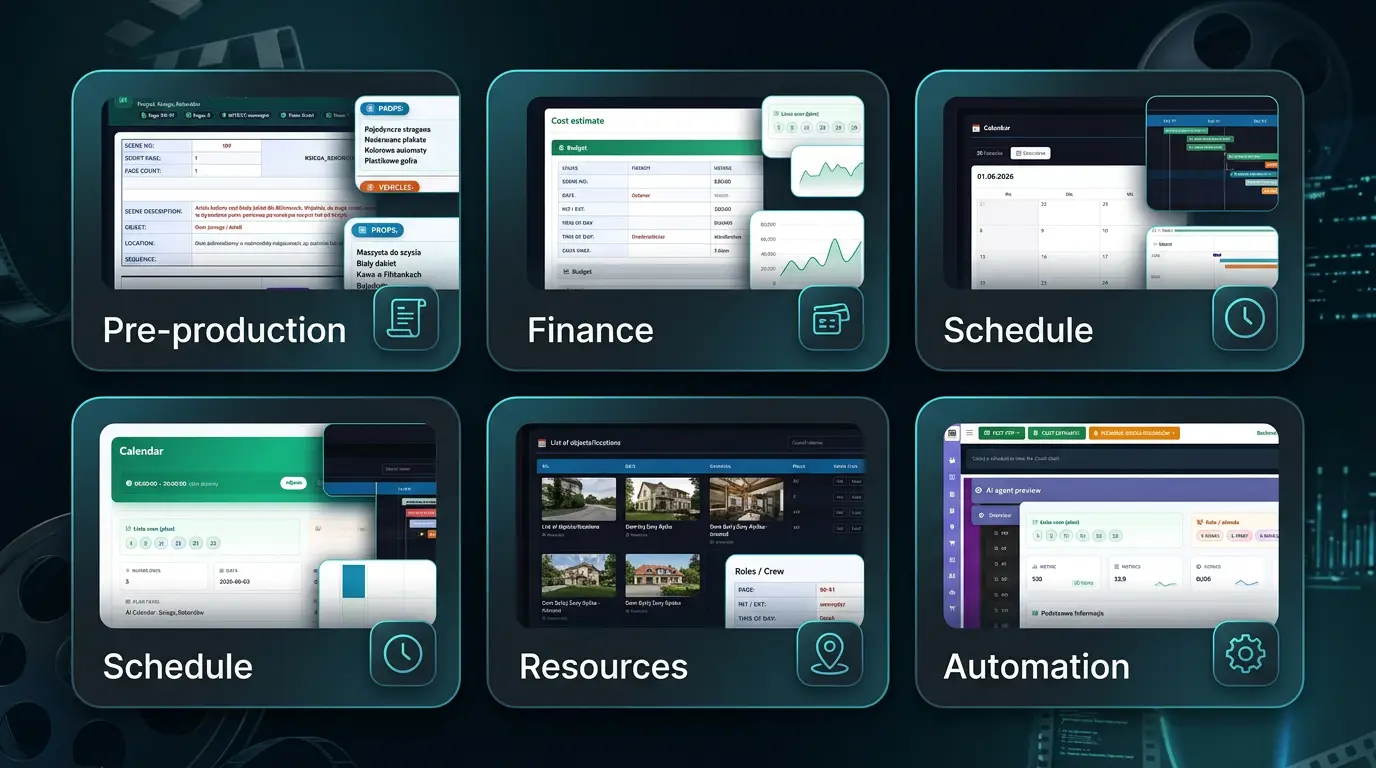
Shooting schedule and budget from one script – the schedule and the budget on shared data
How to build a shooting schedule and a budget on the same script data: grouping scenes, work plans, requirements lists and export in FilmProduct (FPMS).
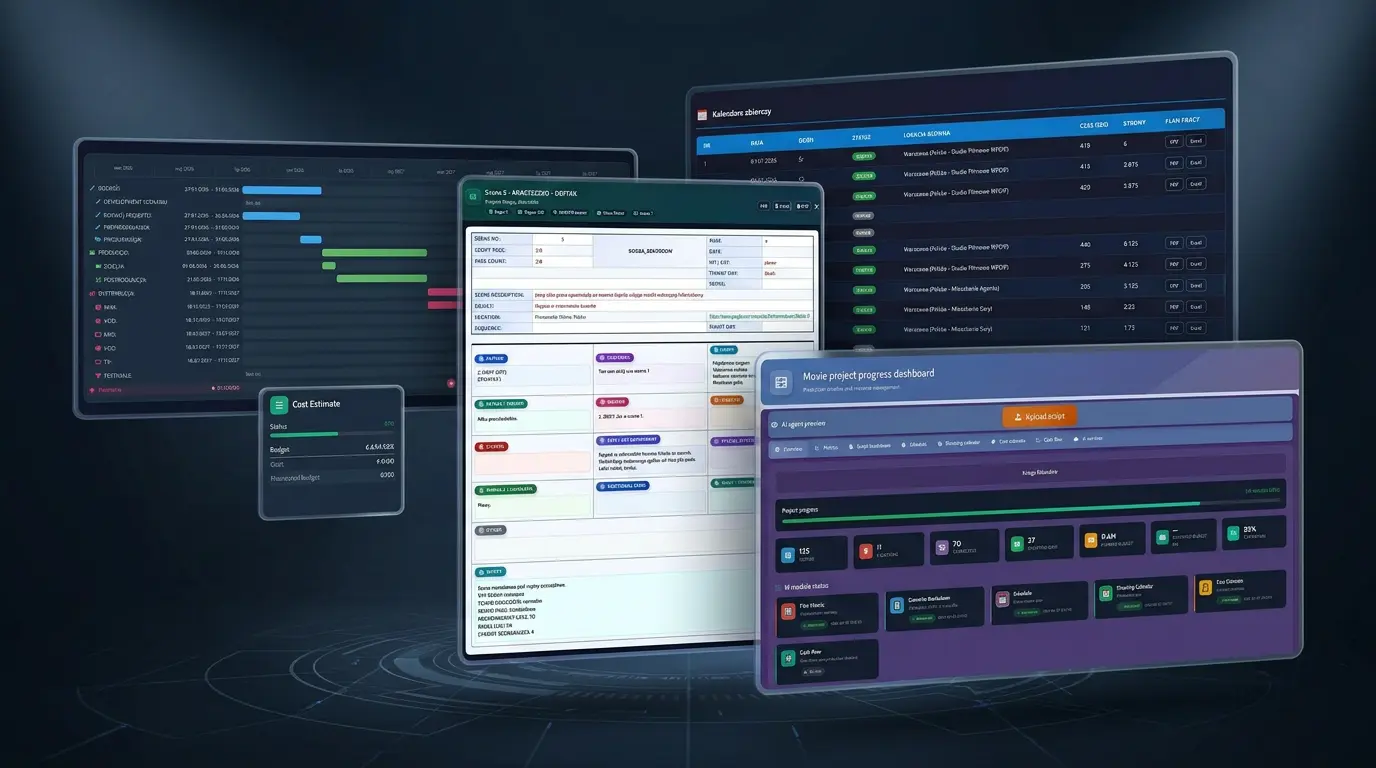
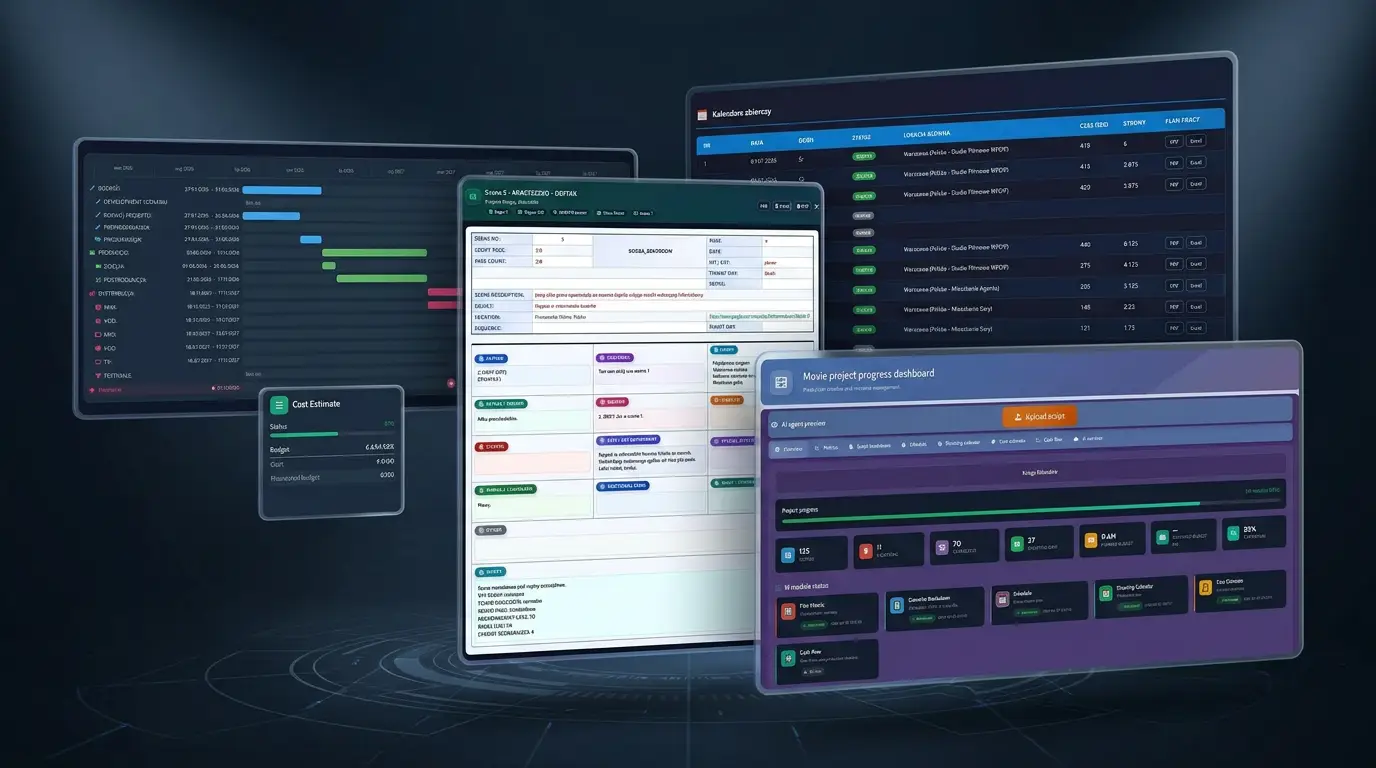
The shooting schedule and the budget are two documents that describe the same production from two sides: the first says when and where we shoot what, the second – how much it costs. In many productions, however, they are created in separate files, by different people, and drift apart at the first change to the script. In this article we show how a shooting schedule is built, how the budget ties in with it and how FilmProduct (FPMS) keeps both documents on shared data from the script.
From the breakdown to the shooting schedule
The shooting schedule starts with a verified breakdown – a list of scenes with their setting, time of day, cast and production elements. How to prepare and check such an analysis is described in our article on AI script analysis. From the breakdown, the 1st AD (first assistant director) lays out the shooting days, following a few principles that have always worked in practice:
- grouping by location – scenes from one set are shot in a single block wherever possible, because every move of the unit base and equipment costs time,
- day and night – night scenes are combined into runs, and transitions from nights to days are planned with the crew’s rest in mind,
- cast availability – actors’ dates, especially those performing in the theatre or in other productions, often determine the order of the days,
- continuity and emotional order – the director may want to keep important scenes in sequence, even at the expense of logistics,
- external conditions – season, day length, weather, location restrictions and permits,
- special elements – stunts, vehicles, animals, children or effects require separate time windows.
The result is the shooting schedule: shooting days with assigned scenes, sets and cast. From it come the work plans (call sheets) for the following days and the requirements lists for the departments. The practical side of organising the day on set is described in our guide how to organise a film shoot.
How the budget ties in with the schedule
Most production costs depend on decisions written into the shooting schedule. Below is a summary of typical dependencies:
| Decision in the shooting schedule | What it affects in the budget |
|---|---|
| Number of shooting days | daily rates for crew and cast, equipment hire, catering, transport |
| Number and order of locations | location hire, unit base moves, permits, parking |
| Night scenes | night work premiums, lighting, crew rest |
| Actors’ shooting days | day fees, travel and accommodation |
| Extras on a given day | extras’ rates, costumes, catering |
| Special elements | vehicles, stunt performers, effects, animal handlers |
That is why every change to the schedule is in practice a change to the budget – and vice versa: cutting the budget often means rebuilding the shooting schedule. We write more about the structure of a film budget in how much does it cost to make a film.
One set of data instead of three files
In a typical setup, the breakdown, the shooting schedule and the budget are three separate files, and the same information is entered into them over and over. FilmProduct takes a different approach. According to the documentation:
- the shooting schedule is created and edited on data taken straight from the script,
- the production budget is created and updated in the same project,
- production documents – work plans, requirements lists and production paperwork – are generated from a single structured script breakdown,
- cast, crew, locations and production resources are managed in the same system,
- every item in the shooting schedule and the budget is editable.
The practical effect: when a scene changes location or time of day, the correction goes into the project data used by the schedule, the documents and the budget – instead of three manual corrections in three files. The production manager still has to assess the consequences of the change, but does not start by searching for wherever else that scene appears.
Budget scenarios: “what if?”
A producer often asks: what if we cut the shoot by two days? What if we replace two locations with one? In the description of its early access programme, FilmProduct lists “what if?” simulations: testing budget scenarios and checking in real time how changes to the project affect the total cost. It is a tool for discussing decisions, not a ready-made answer – the choice of scenario belongs to the producer and the production manager. If this feature is key for you, it is worth asking about its scope during a demo.
Documents and export
The schedule and the budget are needed outside the system too. The crew works from call sheets, the departments from requirements lists, accounting from cost reports. FilmProduct lets you export data and production documents in formats the crew will use outside the system. This also matters at later stages: the detailed pre-production budget is the point of reference when comparing plan with actuals, which is the work of production accounting.
Checklist: the schedule and the budget before sign-off
- The breakdown is verified and based on the current version of the script.
- Every scene has an assigned shooting day and set.
- Scenes from one location are grouped, and moves are planned deliberately.
- The actors’ shooting days are confirmed with their agents or with the actors themselves.
- Night scenes and night-to-day transitions allow for the crew’s rest.
- The number of days in the schedule matches the number of days in the budget.
- Special elements (vehicles, effects, stunt performers, animals) have lines in the budget.
- The departments’ requirements lists are generated from the same version of the data as the schedule.
- The budget contingency is entered as a separate line.
- The exported documents have reached the right people on the crew.
The schedule and the budget with Holly Łódź
Building the shooting schedule and the budget is the everyday work of production management and the production office. Holly Łódź implements the FilmProduct system and uses it in its services – if you want to prepare the schedule and budget of your production on shared data, write to us. You can also book a demo of the system directly at filmproduct.com.
You will find a full description of the system in the guide FilmProduct (FPMS) – a film production management system, and we write about script confidentiality in AI tools in the article script security and AI in film production.
FAQ
Frequently asked questions
01What is a shooting schedule?
A shooting schedule sets out the scenes across successive shooting days. It is built from the script breakdown and takes into account locations, time of day, and the availability of cast, equipment and sets. The work plans for individual days and a large part of the budget follow from it.
02Why should the shooting schedule and the budget use the same data?
Because the number of shooting days, locations, roles and production elements translates directly into costs. When the schedule and the budget live in separate files, every change to the script or the schedule requires both documents to be reconciled by hand, and discrepancies are easy to miss.
03What production documents does FilmProduct create?
According to the documentation, the system creates work plans, requirements lists and production paperwork from a single structured script breakdown, as well as the shooting schedule and the budget. Data and documents can be exported in formats the crew can use outside the system.
04Can different budget scenarios be tested in FilmProduct?
In the description of its early access programme, the system’s maker lists “what if?” simulations – testing budget scenarios and checking how changes to the project affect the total cost. The scope of this feature in a specific plan is best confirmed during a demo.
05Will the system build the shooting schedule by itself?
The system builds the schedule on data taken from the script and lets you edit it, but the final layout of the days is set by the 1st AD together with the production manager. Only they know the constraints that are not in the text: actors’ availability, location conditions or crew contracts.